
Product · Free
MDview
Press the spacebar on a Markdown file in Finder and read it properly rendered — not as raw text, and not in a browser. MDview is a Quick Look preview extension for macOS, styled with your own CSS.
Version 0.1.0 · free · macOS 26 or later. The notarized build is in preparation for direct download; write to us and we will send it.
Markdown, rendered where you already are
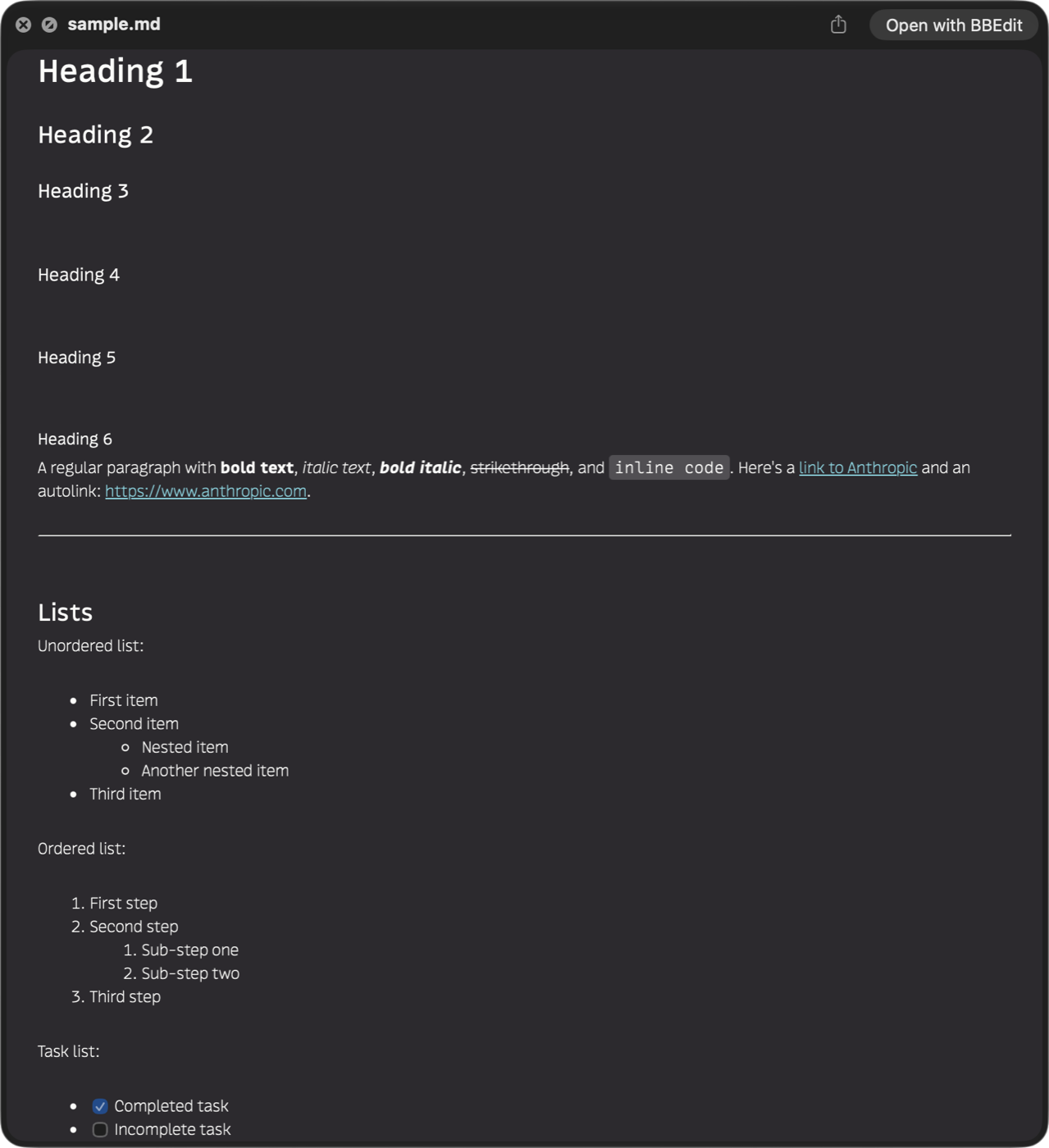
Quick Look is the fastest way to look at a file on a Mac, and until now it showed Markdown as plain text. MDview renders it properly, with the GitHub-flavoured extensions people actually write: tables, task lists, strikethrough, autolinks and footnotes, alongside the full range of standard Markdown.
Code and tables that stay readable
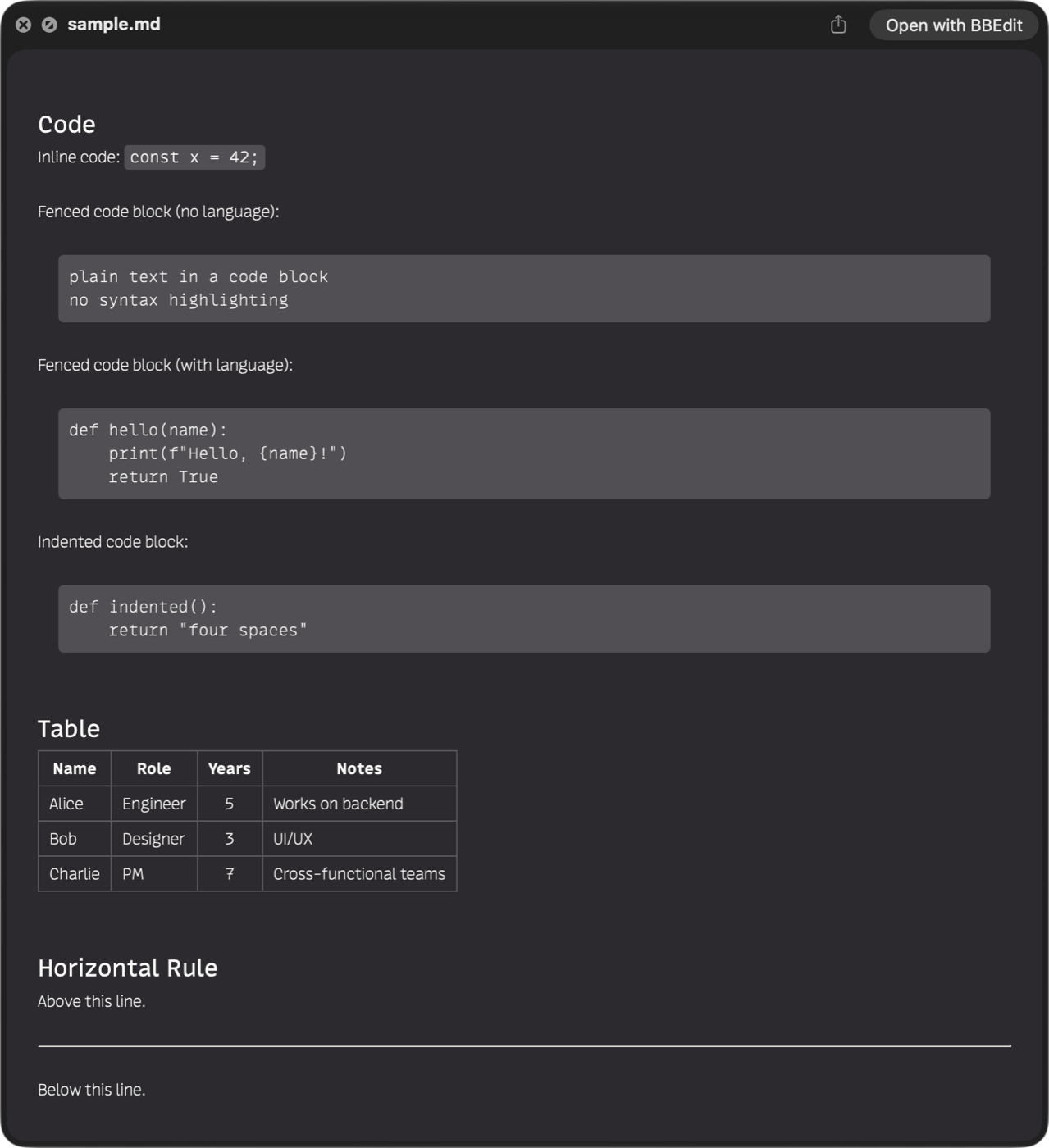
Fenced code blocks, indented code blocks and inline code keep their monospace treatment and their whitespace. Tables get real borders and header emphasis rather than pipe characters. It reads the way the document was meant to read.
The parts other previewers skip
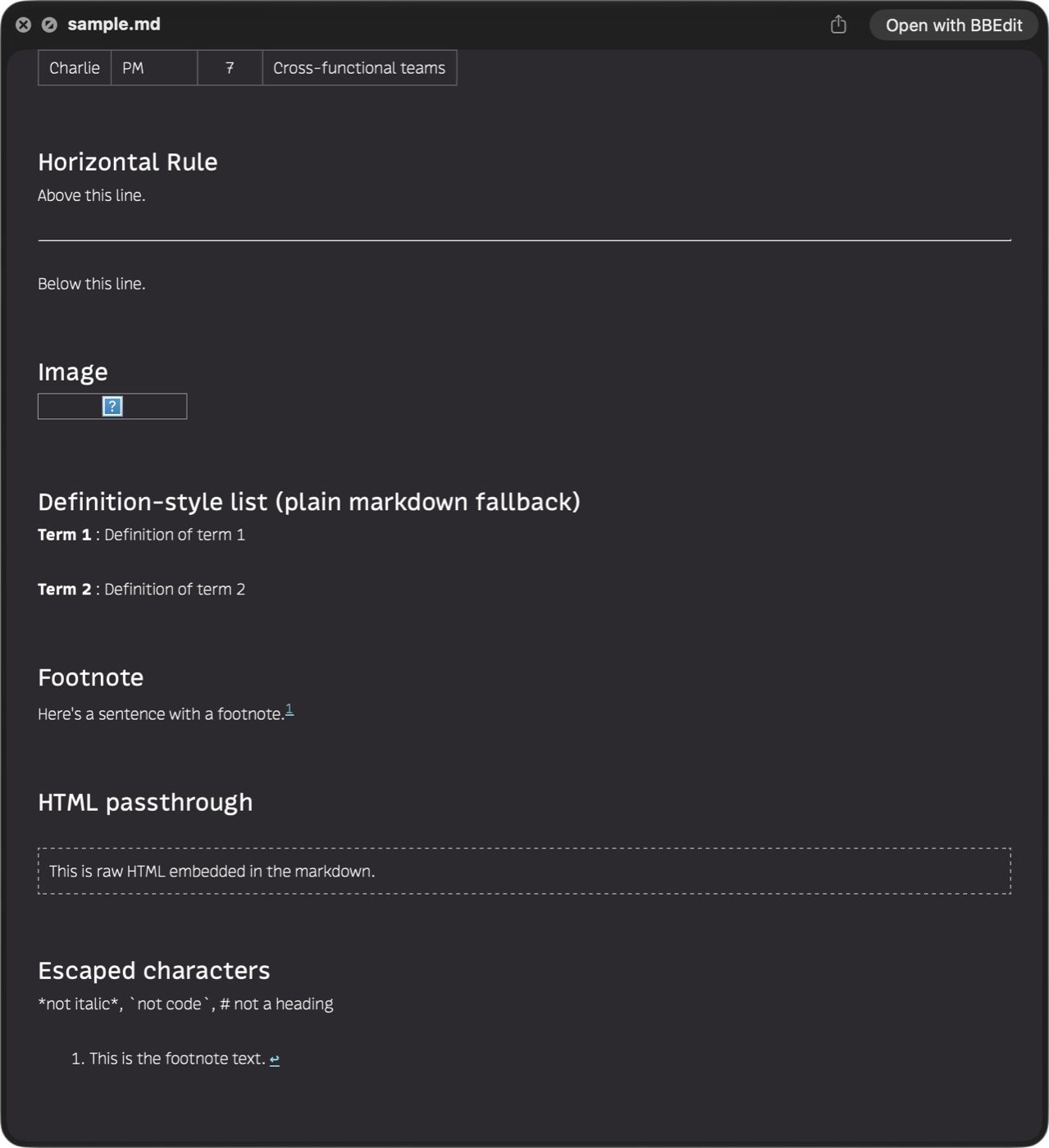
Footnotes resolve and link back. Definition-style lists, raw HTML passthrough and escaped characters all behave the way the Markdown spec says they should — because MDview renders with cmark-gfm, the same engine GitHub built, compiled directly into the extension.
Your CSS, your theme
MDview ships with a stylesheet built from CSS custom properties, so a sheet of your own can
override only the parts it cares about. Add a single stylesheet, or point MDview at a folder
and have it mirror every .css file in it — including a folder in iCloud Drive, so
the same styling follows you between Macs.
A separate theme override — System, Light or Dark — applies to previews only,
leaving the rest of your Mac alone. It sets the preview's appearance at the system level, so a
stylesheet written against prefers-color-scheme follows a forced Light or Dark
with no changes and no special class convention.
Nothing leaves the preview
JavaScript is disabled outright, and every navigation that is not a local file is cancelled before it starts. A Markdown file cannot phone home when you preview it, and MDview has no network features of its own — no update check, no analytics, nothing. See the privacy policy.
That is enforced by how the extension is built, not just by policy. A Quick Look extension runs sandboxed and is handed one file; MDview keeps all writing in the settings app, so the part of it that touches your documents can only ever read:
When something else has claimed Markdown
macOS picks one winner when several extensions preview the same file type, and that choice cannot be made programmatically. MDview's Check Quick Look diagnostic previews a real file and listens for its own response; if something else answered, it tells you so and takes you straight to Login Items & Extensions to sort it out.
MDview declares Markdown as an imported type rather than exporting its own, so it coexists with BBEdit, MarkEdit and other editors instead of competing with their file handlers.
Known limits in this release
- No local images. Quick Look grants access to the file you previewed, not
its neighbours, so
will not load. - No thumbnails yet. Rendered Finder thumbnails are a separate extension, planned for a future release.
- One rendering engine. A sandboxed Quick Look extension cannot run external programs, so Pandoc and MultiMarkdown are not options; cmark-gfm is compiled in.
Details
- Price
- Free
- Version
- 0.1.0
- System
- macOS 26 or later
- Architecture
- Universal — Apple Silicon and Intel
- File types
.md,.markdown,.mdown,.mkd,.mdwn,.mdtext,.mdx, plus Quarto (.qmd) and R Markdown (.rmd)- Distribution
- Direct download, signed with our Developer ID and notarized by Apple
- Support
- Contact page
Credits
MDview renders with cmark-gfm (© 2014 John MacFarlane) and the code it derives from — houdini (© 2012 Vicent Martí), buffer and chunk (© 2012 GitHub, Inc.) and utf8proc (© 2009 Public Software Group e.V.). Full notices are in the app's About window. And to John Gruber, who created Markdown in 2004.